Azure PipelinesでiOSアプリのCIを設定
Azure Pipelinesインストール
GitHubと連携したいので、GitHub MarketplaceからAzure Pipelinesアプリをインストール。“grant this app access”リンクから任意のリポジトリを選択して、アクセス権を付与→インストールすると、Azure Pipelinesのサイトに飛ぶので、後は案内に従ってセットアップ完了。
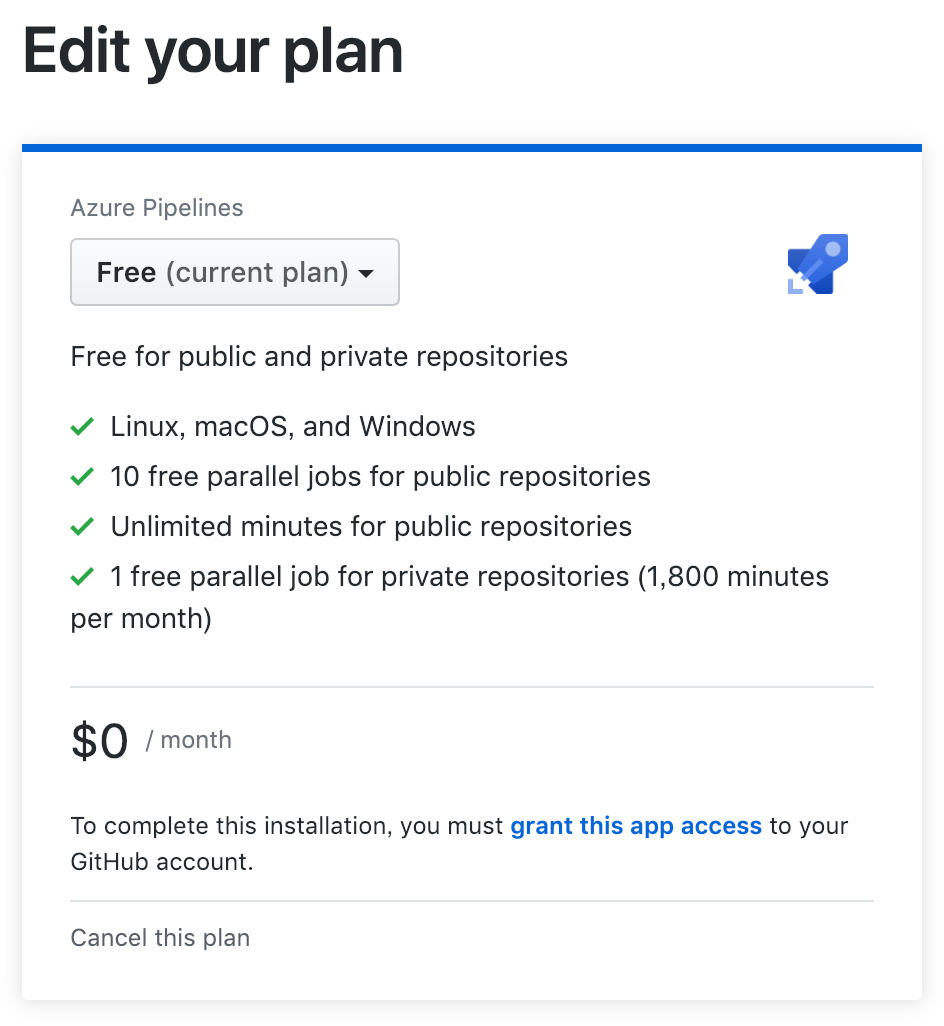
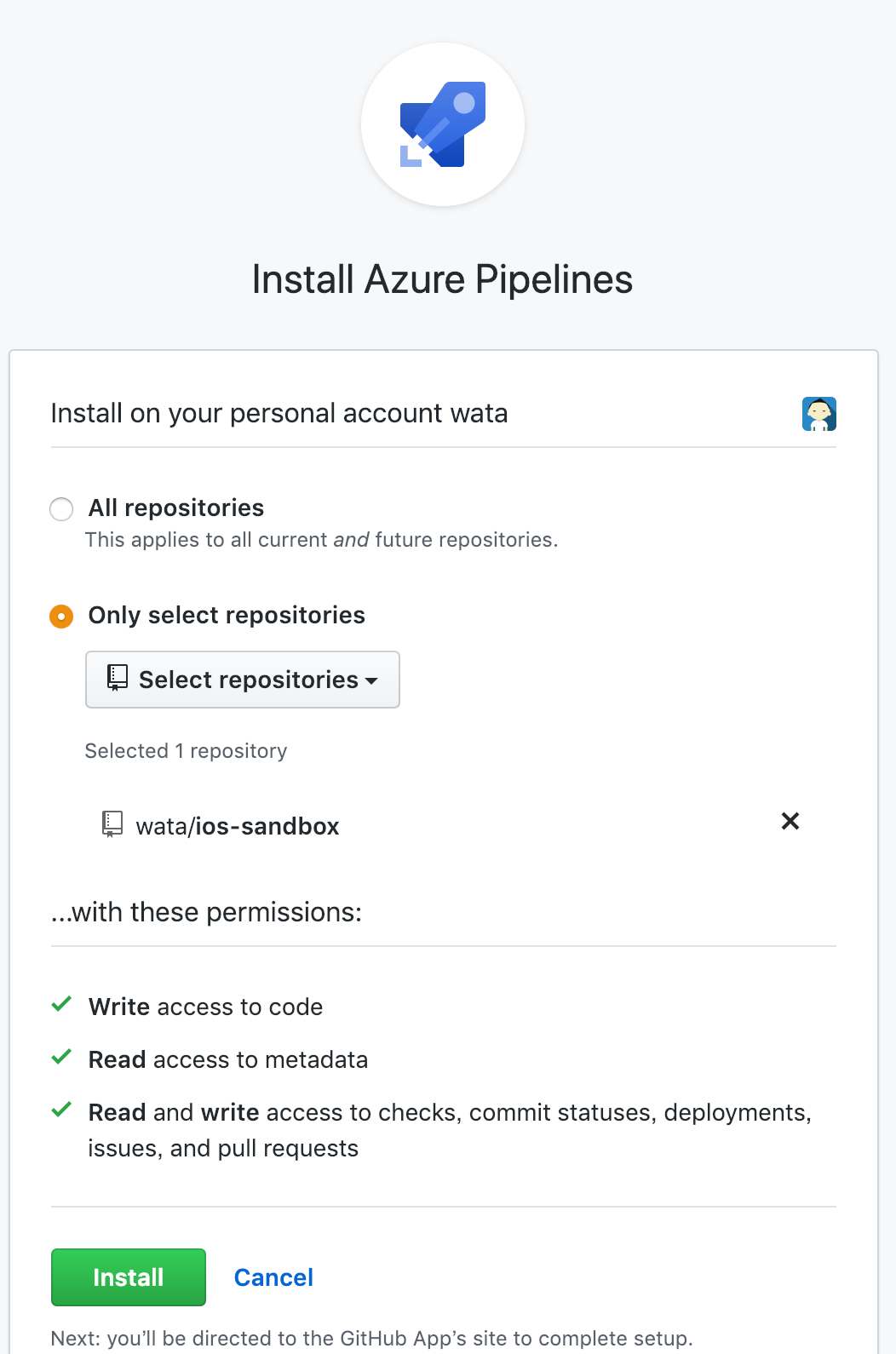
GitHub上でAzure Pipelinesをインストール
azure-pipelines.yml
Gist: https://gist.github.com/wata/13a01355ccdf47abd1bd6df62b89e609
基本的にはドキュメントに沿って書いていけばOK。
Code SigningをスキップするのにXcodeタスクに signingOption: nosign を書いていましたが、それでは”[CP] Embed Pods Frameworks”がうまくいかず。
Issue with [CP] Embed Pods Frameworks build step · Issue #2339 · MicrosoftDocs/vsts-docs
I’ve just set up our project to build automatically using the above guide. It all seems to work great, apart from when…
ベータバージョンのcocoapodsをインストールするスクリプトを書いて対応。
EXPANDED_CODE_SIGN_IDENTITY: unbound variable · Issue #7708 · CocoaPods/CocoaPods
I’ve read and understood the *CONTRIBUTING guidelines and have done my best effort to follow. Report What did you do…
GoogleService-Info.plist はFirebaseを利用しているため。モックをコピーするスクリプトが入っていますが、こちらも通常は不要。
DEMO
wata/ios-sandbox
Contribute to wata/ios-sandbox development by creating an account on GitHub.